AI TOOL / #09926
MacGaiver
An AI-powered macOS assistant that uses computer vision to answer questions regarding any application.
Introduction
AI-powered macOS assistant that answers questions about any application using computer vision.
What is MacGaiver?
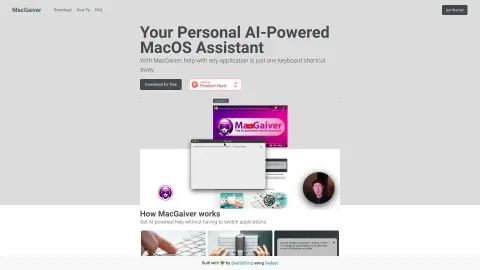
MacGaiver is an AI-powered macOS assistant that utilizes computer vision to answer questions regarding any application. By pressing a keyboard shortcut and posing your question, you can get assistance without leaving the current window. MacGaiver uses the OpenAI Vision API to provide answers in the context of your query.
How to use MacGaiver?
In any application, you can activate MacGaiver using keyboard shortcuts to submit your question—either in audio or text form. MacGaiver will then respond using answers derived from the context, relying on OpenAI GPT-V for its functionality.
The core features of MacGaiver
Provide AI-powered assistance within any macOS application.
Utilize computer vision to provide context-based answers.
Activate keyboard shortcuts
Integration with the OpenAI Vision API
Related
Casey Scholar
An AI assistant designed for MBA students, which provides answers with rich contextual information, based on the course materials.
Myreader AI
An AI tool designed for reading and searching through books and documents, providing answers as well as references to specific page numbers.
The Spiritual Seek
Psychological and spiritual personality testing, self-exploration – powered by AI.
Progress Magic
An AI-powered platform that streamlines therapy, coaching, homework, progress tracking, and improves client care.
Rory AI [beta] – AI Journaling Companion
AI chatbot to capture positive moments and improve happiness and mental health.
Asa.team
An artificial intelligence assistant for team management, time tracking, and mental health monitoring.