AI TOOL / #07070
TranslateAir
AI-driven translation and OCR tools suitable for macOS.
Introduction
AI-powered translation & OCR tool for macOS.
What is TranslateAir?
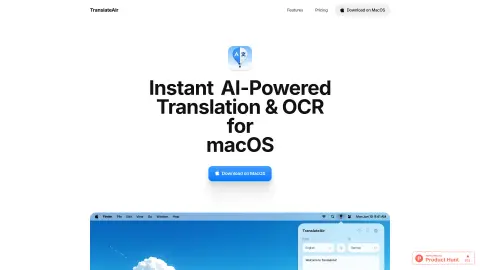
TranslateAir is an AI-powered translation and Optical Character Recognition (OCR) tool designed for macOS. It enables users to instantly translate text from any application, website, or document. Its features include a real-time floating toolbar, intelligent rewriting options, customizable shortcuts, access via the menu bar, as well as advanced OCR capabilities that allow users to capture text from anywhere.
How to use TranslateAir?
Select text from any application, website, or document. A floating toolbar will immediately appear beside it, making the translation process extremely easy. You can also use custom keyboard shortcuts to initiate translations or perform OCR operations.
The core functions of TranslateAir
AI-driven translation
Intelligent rewriting
pop-up translation
Text OCR extraction
keyboard shortcuts
Multi-language support
Related
ProMind.ai
ProMind AI: A personalized AI assistant for content creation, coding, and task management.
Maximo AI
An AI solution that integrates trading, content creation, automation, and social media management into one platform.
The Legacy App
A platform that uses artificial intelligence to capture and preserve family memories and stories.
Audeo AI: Audio Stem Splitter & Audio Enhancer
An AI-based platform that enables easy recording, editing, and enhancement of browser audio.
LoveAI API
The LoveAI API integrates over 300 AI models, which are used for text, image, and music generation.
DALL·E Cli
A command-line tool that allows users to generate, edit, and filter images using the DALL-E 2 API.