AI TOOL / #06325
ChatGPT Voice Assistant
The voice-activated ChatGPT interface supports text-to-speech conversion and multiple languages.
Introduction
Voice-activated ChatGPT interface with text-to-speech and multi-language support.
What is the ChatGPT Voice AI Chrome extension/plug-in?
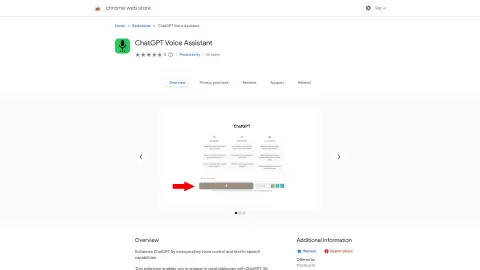
This tool allows you to capture voice input and send it to ChatGPT. The responses generated by the system can be listened to aloud (this option can be disabled if desired). It supports multiple languages, and you can start capturing voice data by clicking the microphone button or holding down the spacebar.
How to use the ChatGPT Voice AI Chrome extension/plug-in?
Click the microphone button or hold down the spacebar to record your voice input. This tool will send your recorded voice to ChatGPT, which will then read out the response. You can also choose to disable the text-to-speech function if you prefer to read the responses directly.
The core functions of the ChatGPT Voice AI Chrome extension/plug-in
Voice input for ChatGPT
Text-to-speech output generated by ChatGPT
Multilingual support
Capture voice input using the microphone button or the spacebar.
Related
SEOByAI
AI-powered SEO tools to boost your rankings and traffic for free.
Hastewire
AI tools used for generating artificial content, detecting the presence of AI technology, and automating various tasks.
Detoxify Social
A Chrome extension that uses GPT-3 to remove harmful content from the internet and promote a respectful browsing experience.
Censorfy – AI Content Moderation
An artificial intelligence-based platform for reviewing text and image content.
SafeImages
A plugin that uses machine learning to detect and blur illegal/inappropriate images on web pages.
Stop Porn
A browser extension that blocks pornographic content using on-device image classification.