AI TOOL / #05205
Candlestick AI
An investment platform powered by artificial intelligence, offering stock recommendations, news, and company ratings.
Introduction
AI-powered investing platform providing stock picks, news, and company ratings.
What is a Candlestick chart?
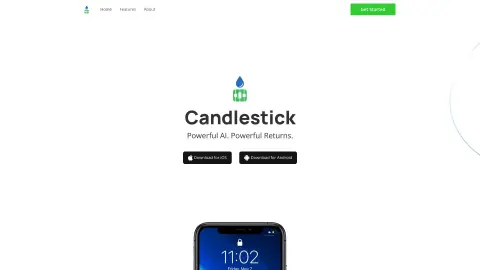
Candlestick Chart is an investment platform powered by artificial intelligence. It provides users with three stock recommendations each week, based on artificial intelligence models that go beyond conventional market analysis methods. The platform also generates news highlights and company ratings using AI technologies. Its aim is to help ordinary people invest more easily by utilizing AI to analyze business and financial news, identify investment opportunities, and offer customizable artificial intelligence models as well as a conversational interface.
How to use Candlestick charts?
Download the candlestick chart application (available for iOS or Android), set up an account, deposit funds, and customize your preferences regarding the AI model to be used. The AI will automatically manage your investment portfolio and buy and sell stocks based on its analysis.
The core functions of Candlestick
Artificial intelligence-driven stock recommendations
Key points of the news generated by AI
Company rating
Customizable artificial intelligence models
Dialogue-based artificial intelligence advisor
Automated investment
Related
GPTs Hunter
A powerful, free navigation website
TemPolor
An AI music platform that generates customizable music without any copyright restrictions.
AI Content Detector
Evaluate the accuracy of 13 AI detectors in identifying content generated by artificial intelligence in the year 2025.
Riffusion
Generative AI musical instruments enable the creation, remixing, and sharing of high-quality songs based on textual prompts.
HeyGen
AI-generated digital human videos
HoldTalk
Use the Mac’s voice input feature by holding down the FN key while speaking.