AI TOOL / #03976
PowerPost
PowerPost summarizes, translates and allows interaction with articles for quick insights.
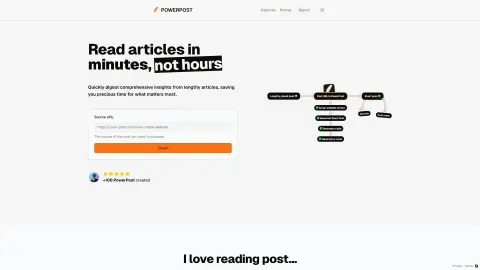
Introduction
PowerPost summarizes, translates, and allows chatting with articles for quick insights.
What is PowerPost?
PowerPost helps you turn lengthy articles into quick insights. It allows you to bookmark, summarize, translate and interact with posts in your preferred language and style. Designed to help you create content and learn faster by extracting the most important information from articles.
How to use PowerPost?
To use PowerPost, you simply provide the source URL of the article you want to process. PowerPost will allow you to bookmark, summarize, translate and interact with articles. You can also choose different article styles and reading preferences.
PowerPost Core Features
Summary of a lengthy article
Translate posts into different languages
Chat feature to interact with posts
Customizable reading style (color, font, size)
Save post to read later
Content creation assistance
Related
Astra Health AI
An AI document assistant designed to automatically generate clinical records based on conversations between patients and clinicians.
Briefly AI
AI meeting assistant to generate summaries, action items, and follow-up emails.
Looppanel
A user research platform that incorporates automatic transcription and AI-driven analysis.
Heidi
An AI medical documentation assistant for clinicians that transcribes visits and generates notes to save time.
Dadan AI Assist
AI video tools are designed to enhance the video production workflow and improve visibility.
Project Copilot
An AI-driven Chrome extension designed for agile project management, offering real-time support.