AI TOOL / #02615
Sixty
Sixty AI uses artificial intelligence to manage tasks, helping users regain their time.
Introduction
Sixty AI uses AI to manage tasks and help users reclaim their time.
What is Sixty AI?
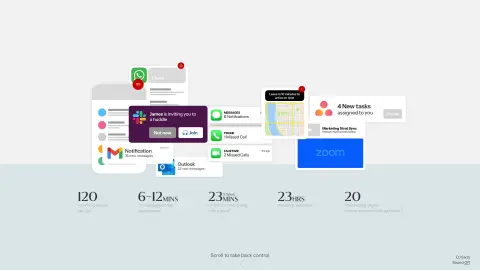
Sixty AI utilizes artificial intelligence and machine learning to address the persistent issue of attention demands posed by modern technology. It helps users stay connected without wasting time on tasks that can be easily handled by AI. Sixty AI highlights what requires attention and magically manages all other matters, with the aim of restoring focus and clarity.
How to use Sixty AI?
Sixty AI highlights the matters that require your attention, while handling the rest of the tasks for you. Register to focus on what really matters – such as clearing your inbox, scheduling appointments, drafting agendas, and preparing reports. AI will alert you about any important schedule changes and assist you in managing your connections within the network.
The core features of Sixty AI
AI-powered email management
Automatic scheduling and agenda creation
Prepare the briefing materials.
Intelligent alerts for important notifications
Automated outreach and relationship management
Related
Sonix AI
A platform for automatic transcription, translation, and subtitle generation of audio/video content.
Image to Prompt Pro
A free AI tool that generates detailed prompts from images, suitable for AI art and SEO.
UniScribe
UniScribe is an artificial intelligence-based platform for audio and video transcription, summary generation, and mind map creation.
FakeYou
AI voice generators are used to create audio and video content featuring the voices of celebrities and fictional characters.
HTTPie AI
A user-friendly command-line HTTP client designed for API testing and interaction.
Fliki
An AI platform that uses text to generate videos, offering authentic voices and media content.