AI TOOL / #02388
Chatbox
AI client applications and smart assistants compatible with multiple AI models and APIs, supporting multiple platforms.
Introduction
AI client application and smart assistant compatible with various AI models and APIs across multiple platforms.
What is Chatbox AI?
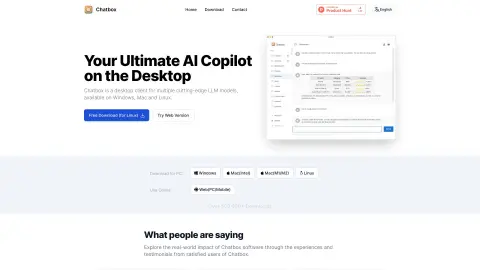
Chatbox AI is an AI client application and intelligent assistant compatible with multiple advanced AI models and APIs. It supports multiple platforms including Windows, MacOS, Android, iOS, Web and Linux. Chatbox AI allows users to converse with documents and images, generate and preview code, perform real-time web searches, and create AI-generated charts and images. It prioritizes data privacy and security by storing data locally.
How to use Chatbox AI?
Download and install the Chatbox AI app for your operating system (Windows, Mac, Linux, Android, iOS). Launch the app and interact with the AI model by entering queries or uploading documents and images. You can also use it through your browser.
Chatbox AI Core Features
AI chat interface
Document and image chat
Code generation and preview
Real-time web search
AI generated charts
AI-driven image creation
LaTeX and Markdown rendering
local data storage
Related
GPT-3 Detector
A Chrome extension designed to detect text generated by GPT-3.
Unspam AI
Free email spam checking and delivery testing tools, equipped with AI-powered insights.
Deal Protectors
Trade protectors utilize artificial intelligence to evaluate automobile transactions, ensuring that prices are fair.
adversea.com
Background checks and risk assessment reports for individuals and entities, utilizing artificial intelligence technology.
Diib
SEO tools and traffic analyzers, designed to help websites achieve growth.
AI Feature Checker
A Chrome extension designed to check and enable AI functions within the browser.